Python vs Manual Reporting: The Smarter Way to Build Recurring Office Documents
Manual reporting looks cheap until you count the repeats
The real debate in manual reporting vs python is not whether code is more impressive. It is whether repeating the same office task every week still makes sense once the process is stable. Most recurring reports start innocently: copy last month’s file, update a few numbers, fix the dates, export to PDF, email it around. Ten minutes here, twenty there. Nothing dramatic. But stack that across teams, approval cycles, renamed files, last-minute edits, and version confusion, and the cost stops being small. It becomes background drag that people accept because it has always been there.
Manual work also hides risk in boring places. Someone forgets a filter. A formula gets overwritten. The wrong attachment goes to the client. A name stays from the previous week because the template looked close enough. These are not exotic failures. They are standard office-document errors caused by repetition and attention fatigue. That is why recurring report automation matters even before you get fancy. Python is not valuable because it replaces humans. It is valuable because it handles the parts humans are worst at after the fiftieth run: exact repetition, file creation, data formatting, naming rules, and sending the same kind of document on schedule without drifting into small, expensive mistakes.
Python wins when the document follows rules, not moods
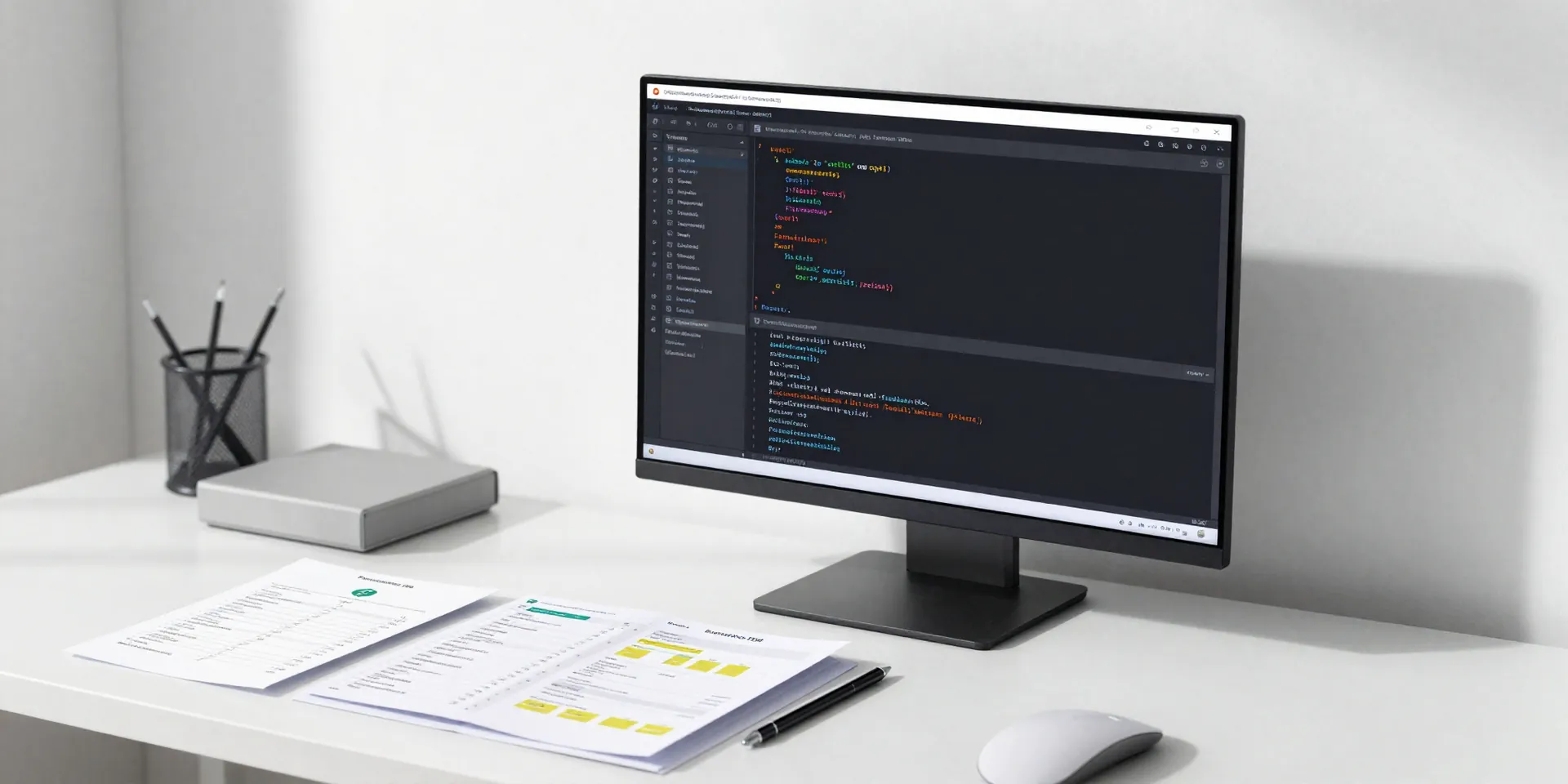
Here’s the thing: Python is not magic, and it is not the right answer for every document. It shines when the output follows consistent rules. If your weekly sales summary always pulls from the same sources, uses the same calculations, fills the same fields, exports the same format, and goes to the same people, that process is begging for automation. Office documents Python workflows are especially strong when you need to merge data into templates, generate dozens of similar files, rename them predictably, convert formats, or send them on a schedule.
Think about the difference between a handcrafted proposal and a recurring status pack. One needs judgment, negotiation, and custom wording. The other mostly needs discipline. Python handles that second category beautifully. It can read spreadsheets, query databases, clean messy input, populate Word or Excel templates, produce PDFs, and trigger emails in a single chain. Better yet, the logic lives in one place. If a date format changes or a new column is added, you update the script once instead of reminding three people to “please remember the new step.” That is where workflow efficiency jumps. Not because the work disappears, but because the system stops relying on memory and goodwill to stay correct.
A good automation setup does more than save time
People often pitch automation as a time-saving tool, which is true but incomplete. The bigger win is consistency. A decent Python reporting workflow creates the same document the same way every time. Dates are pulled from the same source. Naming conventions stay clean. Tables follow the same style. Distribution lists are controlled. Logs can show what ran, when it ran, and whether it failed. That matters a lot when a manager asks, “Why does this month’s version look different?” or when audit season rolls around and everyone suddenly cares how the numbers moved from source to document.
The strongest recurring report automation setups also reduce friction around handoffs. Instead of one person being the keeper of a complicated spreadsheet ritual, the process becomes documented and portable. A script can be scheduled. It can be reviewed. It can be improved. It can even fail loudly instead of quietly producing a wrong report. That is a huge step up from manual office workflows where errors are often discovered by the recipient. And no, this does not require building some giant internal platform. Many teams get real value from simple scripts that pull CSV data, update a workbook, generate a PDF summary, and drop the final files into the right folder or email thread. Small automation, done well, beats heroic manual effort every single month.
Manual work still has a place, but it should be the exception
There is a temptation to turn this into a culture war: manual bad, Python good. That is too neat. Some documents should stay manual, at least partly. If the report changes structure every week, depends on subjective interpretation, or needs sensitive messaging tailored to the audience, pure automation can create brittle output. The same goes for tiny processes that happen rarely enough that scripting them would be overkill. If you build a script for a task you do twice a year, you may just be creating another thing to maintain.
But manual should be a conscious choice, not the default. Use people where judgment matters. Use Python where repetition dominates. A smart split often works best: automate data collection, calculations, formatting, file generation, and delivery; keep commentary, strategic framing, or final approval in human hands. That model respects the strengths of both. It also prevents a common mistake in office documents Python projects, where teams try to automate every sentence and end up with documents that are technically correct but tonally off. Good automation removes clerical work. It does not pretend that every office document is just a pile of fields waiting to be filled. The point is to stop spending skilled human attention on tasks that behave like a machine anyway.
How to move from spreadsheet ritual to reliable reporting
If you want a practical path forward, start smaller than you think. Do not begin with the most political, high-visibility report in the company. Pick a recurring document with clear inputs, obvious pain, and a predictable structure. Map the current process step by step. Where does the data come from? Which steps are pure repetition? Which edits are genuinely human? Which failures happen over and over? That map alone usually reveals how much time is being wasted on avoidable work.
Then automate in layers. First, standardize the template. After that, automate data extraction and cleanup. Next, generate the document or workbook. Then handle export and file naming. Finally, automate delivery if the review process allows it. This gradual approach makes testing easier and keeps trust intact. People are much more willing to accept recurring report automation when they can compare the automated output against the old manual version side by side for a few cycles. It also helps to build simple safeguards: validation checks, missing-data alerts, a log file, and clear error messages. That is the boring engineering discipline that turns a clever script into a dependable workflow.
Once one report works, patterns appear fast. The same functions can often support other office documents: monthly summaries, invoice packs, compliance checklists, client updates, HR letters, internal dashboards exported to PDF. That is when workflow efficiency stops being a buzzword and starts feeling obvious. Fewer copy-paste rituals. Fewer “latest_final_v2” files. Less dependence on whoever happens to know the weird sequence of clicks. More reliable documents, produced with less friction, by a process you can actually trust.