The Ultimate Guide to ECC RAM: Why Your Enterprise Homelab Needs Error-Correcting Memory
ECC RAM Isn't Boring. It's Your Digital Insurance Policy.
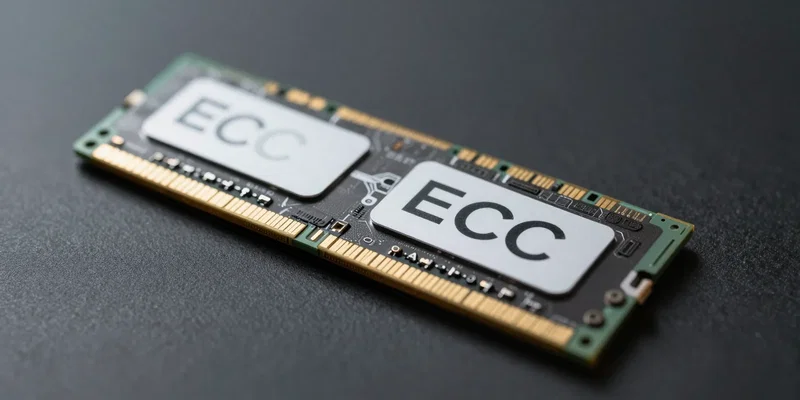
Let's clear something up. You don't *hear* ECC RAM working. It’s not faster in the way your GPU is. Its job is silent, invisible, and brutally important: preventing tiny, random errors from corrupting your data. Think of it as the unsung hero in the server room—or in this case, your homelab. While your gaming rig might shrug off a flipped bit, your enterprise-grade services running at home? They can't. This is about integrity, not fps.
How a Single Bit Flip Can Wreck Your Perfectly Good Week
Here's the thing. Cosmic rays, electrical noise, manufacturing quirks—they can flip a single bit in your memory from a 1 to a 0. Usually, nothing happens. Sometimes, your VM just crashes. And in the worst case, that corrupted data gets written to disk. Your ZFS array now has silent corruption. Your database transaction is subtly wrong. Good luck tracing that bug. ECC RAM stops this at the source, in real-time, before the error has any consequence.
Your Homelab Isn't a Toy. Stop Treating its Memory Like One.
If you're running Proxmox, TrueNAS, a dozen Docker containers, or a home Kubernetes cluster, you've graduated from a hobby PC. This is production-*adjacent* infrastructure. You're testing deployments, hosting critical services, or managing precious data. Using consumer, non-ECC RAM here is a gamble. You're trusting the most volatile part of your system—DRAM—with zero error checking. For a lab meant to mimic the enterprise, that's a glaring, amateur oversight.
The Real Cost of ECC? It's Cheaper Than You Think.
Okay, the elephant in the room. Yes, you need a compatible CPU and motherboard. AMD's Ryzen Pro and most Intel Xeon/W-series chips support unbuffered ECC. But here's the secret: the used server market is your friend. A last-gen Xeon, a supermicro board, and registered ECC RAM (RDIMMs) can be cheaper than a flashy new consumer setup. You're not paying for RGB. You're paying for resilience. The premium for the ecosystem is the real cost, not the RAM itself.
Do You *Necessarily* Need It? Let's Be Honest.
For a pure gaming rig? No. For a basic media server? Probably overkill. But the moment your homelab's purpose shifts from "fun project" to "reliable platform," the calculus changes. If downtime or data loss means restoring from backup, losing a day's work, or questioning your own configurations, ECC becomes a no-brainer. It removes one entire class of mysterious, infuriating problems from the equation. That peace of mind is the ultimate feature.